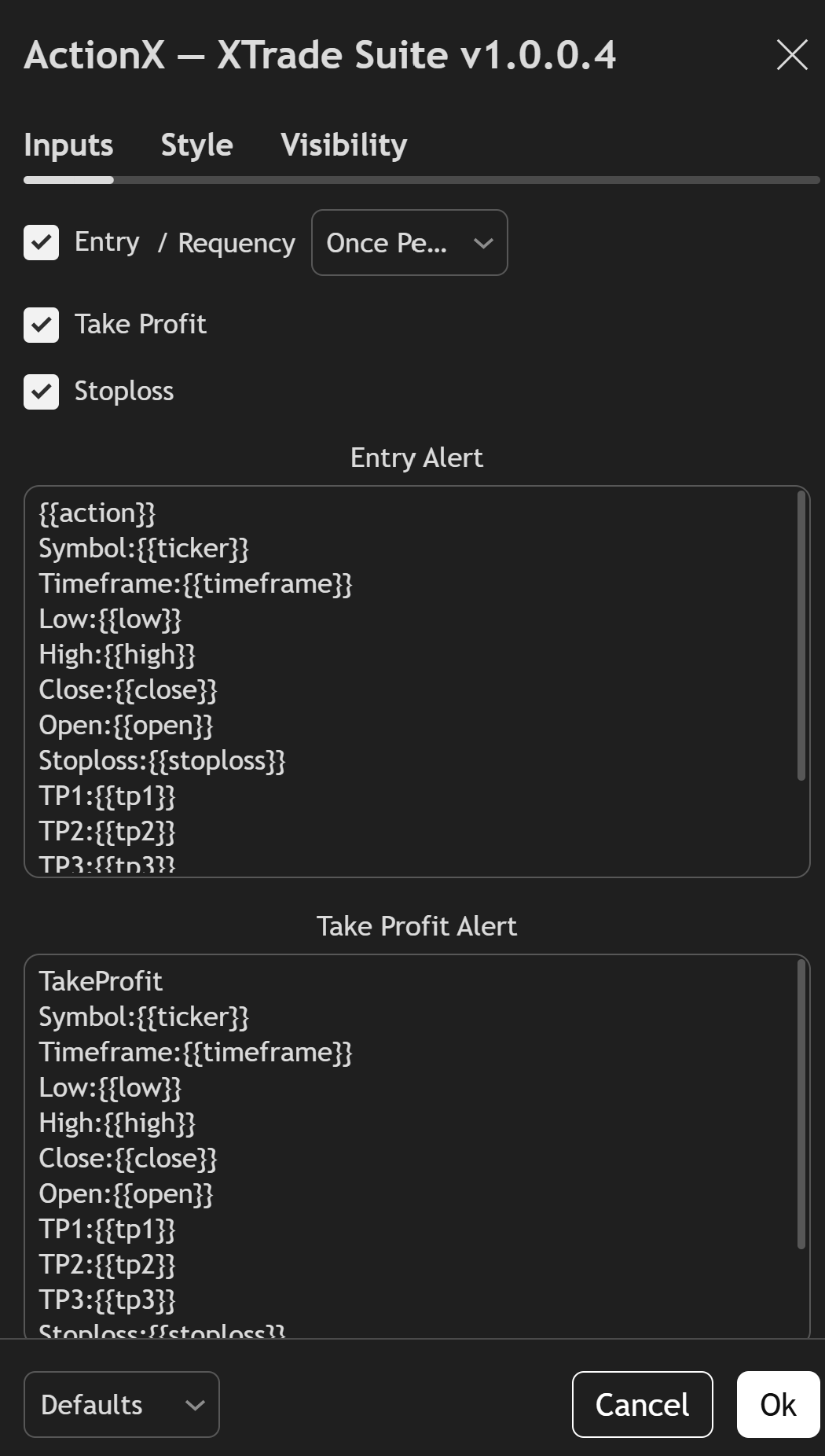
TradingView alerts allow traders to receive notifications whenever a specific market condition is triggered. These alerts help you monitor the market without constantly watching your charts.
When using Sigory indicators, alerts can be configured to notify you whenever a trading signal appears or when certain indicator conditions are met. Notifications can be delivered through the TradingView app, email, or other integrated services.
Creating an alert on TradingView is simple. You can create alerts directly from your chart using one of the following methods:
When creating an alert, you will need to choose the condition that will trigger it. TradingView allows you to select different indicators, price levels, or custom rules.
For example, alerts can be triggered when:
After selecting the indicator or element you want to monitor, the second dropdown menu allows you to define the exact condition that will trigger the alert.
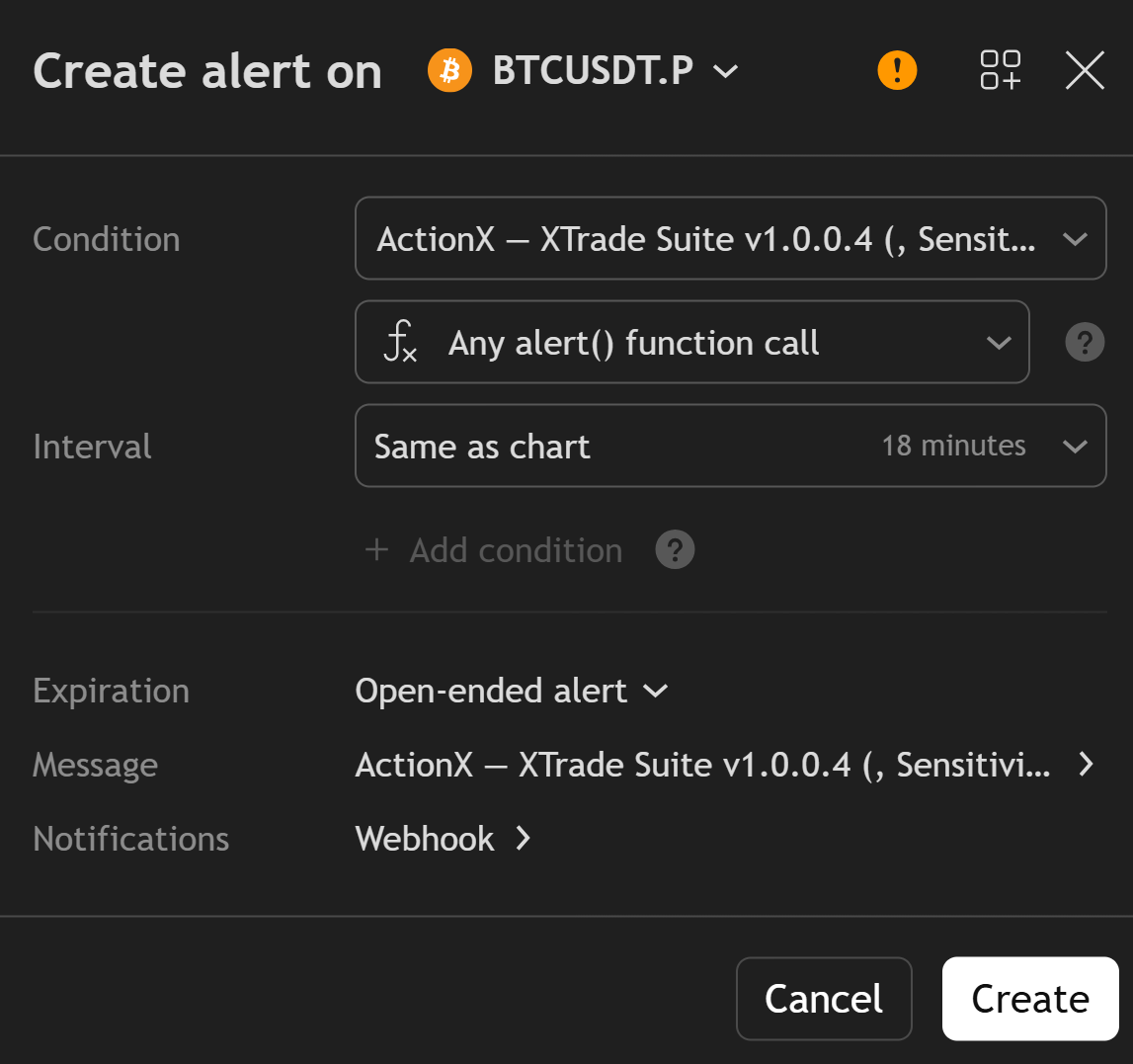
Once an alert condition is triggered, TradingView can send notifications through multiple channels including:
This allows traders to stay informed about trading opportunities even when they are not actively monitoring the charts.
We can custom trigger alerts